Work Breakdown Structure (WBS) Template: A Comprehensive Guide
A Work Breakdown Structure (WBS) is a deliverable-oriented hierarchical decomposition of the work to be executed by the project team to accomplish the project objectives and create the required deliverables. It organizes and defines the total scope of the project. Think of it as a roadmap, breaking down a complex project into smaller, more manageable components.
Why Use a WBS Template?
Developing a WBS from scratch for every project can be time-consuming and prone to oversights. A WBS template offers a pre-built framework that accelerates the planning process, ensures consistency, and reduces the risk of missing critical elements. Here’s why using a WBS template is beneficial:
- Saves Time and Effort: Provides a starting point, eliminating the need to build the WBS from the ground up.
- Ensures Completeness: Reminds you of common project activities and deliverables, reducing the chance of omissions.
- Promotes Consistency: Enforces a standardized structure across different projects, making them easier to manage and compare.
- Enhances Communication: Provides a clear and concise representation of the project scope, facilitating communication among stakeholders.
- Facilitates Resource Allocation: Breaks down the project into manageable tasks, allowing for more accurate resource allocation.
- Improves Cost Estimation: Provides a granular view of the project, enabling more precise cost estimations.
- Reduces Risk: Identifies potential risks associated with specific tasks or deliverables early on.
Key Components of a WBS Template
While specific WBS templates vary depending on the industry and project type, they generally include the following key components:
- Level 1: Project Name: The highest level of the WBS, representing the entire project.
- Level 2: Major Deliverables/Phases: Breakdown of the project into its major deliverables or phases. These are the key results expected from the project. For example, in a software development project, Level 2 might include “Requirements Gathering,” “Design,” “Development,” “Testing,” and “Deployment.” In a construction project, it could be “Foundation,” “Framing,” “Electrical,” “Plumbing,” and “Finishing.”
- Level 3 and Below: Sub-Deliverables/Tasks: Further decomposition of Level 2 deliverables into smaller, more manageable sub-deliverables and tasks. These are the specific activities required to complete each deliverable. The level of detail depends on the complexity of the project. For example, under “Development” in a software project, Level 3 might include “Coding Modules,” “Unit Testing,” and “Code Review.”
- Work Packages: The lowest level of the WBS. These are the smallest units of work that can be assigned to a single individual or team. Work packages should be clearly defined, measurable, and have a defined start and end date.
- WBS Dictionary (Optional but Recommended): A document that provides detailed descriptions of each element in the WBS, including deliverables, tasks, responsible parties, schedule, and cost information. This helps ensure everyone understands the scope of each element.
Types of WBS Templates
WBS templates can be categorized based on their structure and application. Here are some common types:
- Deliverable-Based WBS: Focuses on the tangible outputs of the project. Each level represents a specific deliverable. This is the most common type of WBS.
- Phase-Based WBS: Organizes the work according to the project’s phases or stages. This is useful for projects that follow a sequential workflow.
- Activity-Based WBS: Breaks down the project into specific activities or tasks. This is less common as it can be less organized and harder to track deliverables.
- Hybrid WBS: Combines elements of different WBS types to best suit the project’s needs. For instance, a project might use a phase-based approach for the initial levels and then switch to a deliverable-based approach for the lower levels.
Adapting a WBS Template
While WBS templates provide a valuable starting point, they need to be adapted to the specific needs of each project. Here’s how to customize a template:
- Understand the Project Scope: Clearly define the project objectives, deliverables, and constraints.
- Identify Key Deliverables: Determine the major outputs of the project and break them down into smaller sub-deliverables.
- Decompose into Work Packages: Further decompose the sub-deliverables into specific tasks that can be assigned and tracked.
- Review and Refine: Review the WBS with the project team and stakeholders to ensure completeness and accuracy.
- Assign Resources and Estimates: Assign responsible parties and estimate the time, cost, and resources required for each work package.
- Document Assumptions and Constraints: Identify any assumptions or constraints that may impact the project.
- Use a WBS Dictionary: Document detailed information for each WBS element.
Tools for Creating WBS
Several tools can be used to create and manage WBS, including:
- Spreadsheet Software (e.g., Microsoft Excel, Google Sheets): Suitable for smaller projects with simpler WBS structures.
- Project Management Software (e.g., Microsoft Project, Asana, Jira, Trello): Offers more advanced features for managing tasks, resources, and schedules.
- Mind Mapping Software (e.g., MindManager, XMind): Useful for brainstorming and visually representing the WBS hierarchy.
- Dedicated WBS Software (e.g., WBS Chart Pro): Specialized tools designed specifically for creating and managing WBS.
Conclusion
A well-structured WBS is essential for successful project management. By leveraging a WBS template and adapting it to your specific project needs, you can streamline the planning process, ensure completeness, and improve communication among stakeholders, ultimately increasing the likelihood of achieving your project objectives. Remember to regularly review and update the WBS as the project progresses to reflect any changes in scope or requirements.
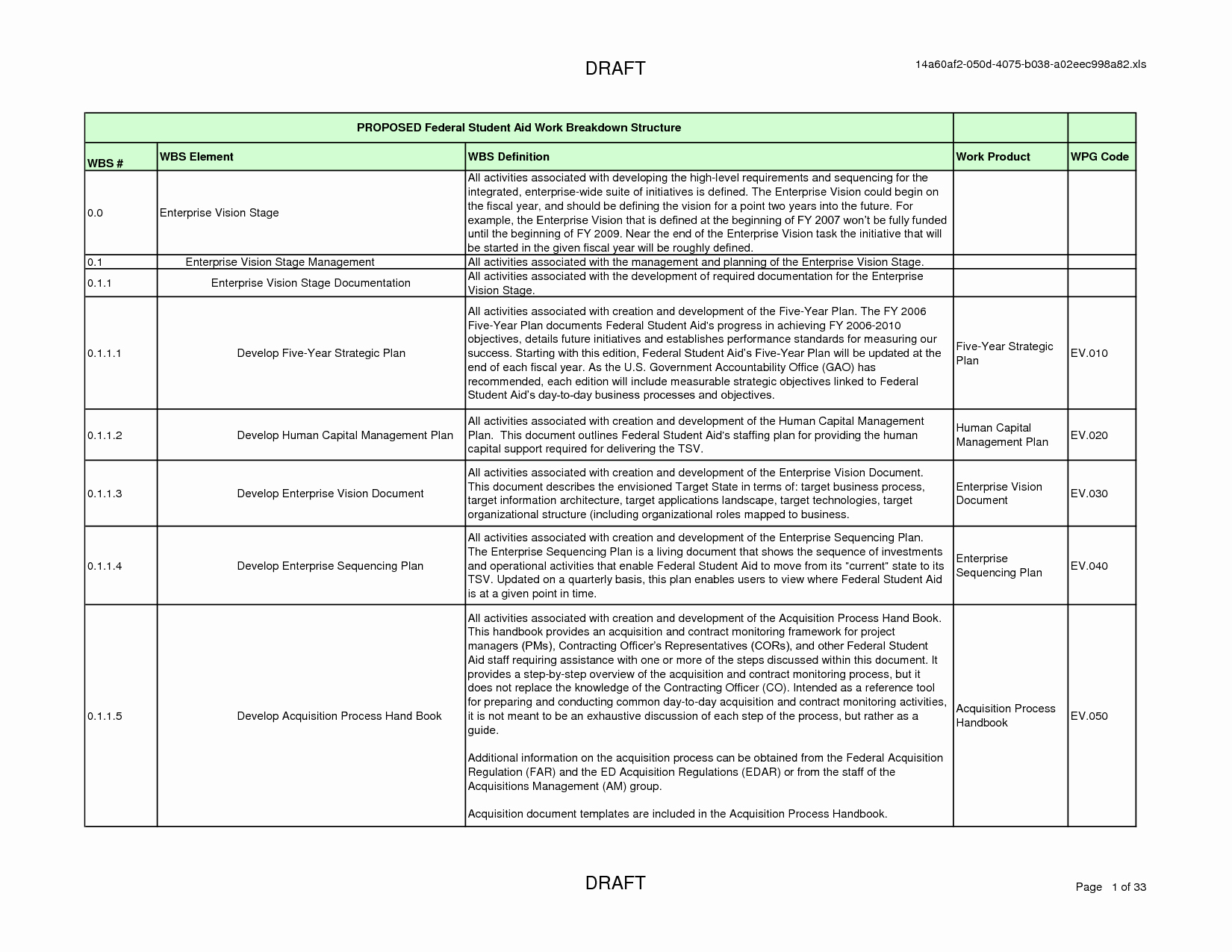 1650×1275 work breakdown structure template from lattermanband.com
 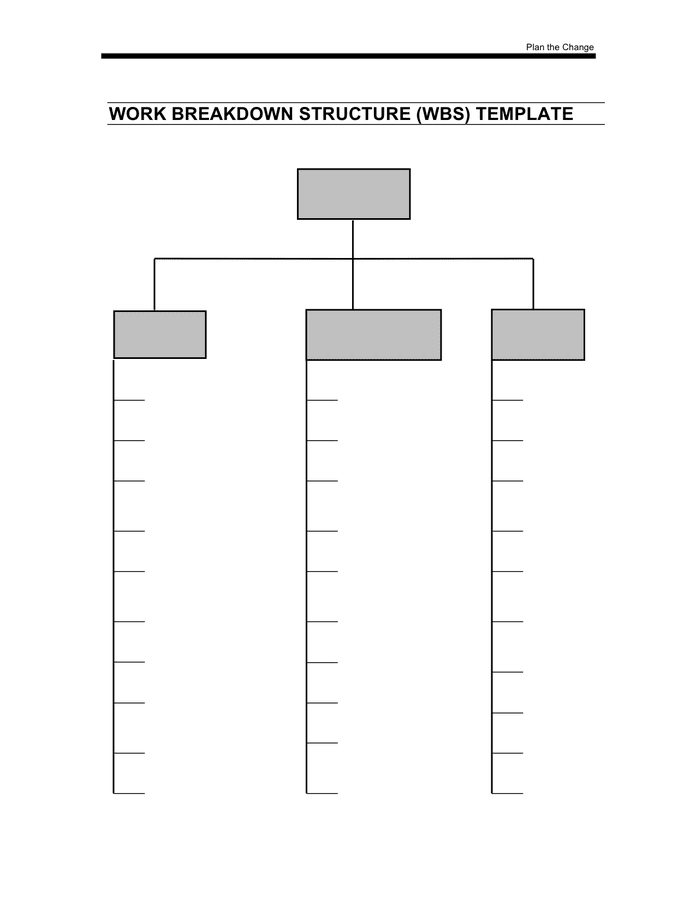 696×900 work breakdown structure template documents from www.dexform.com
 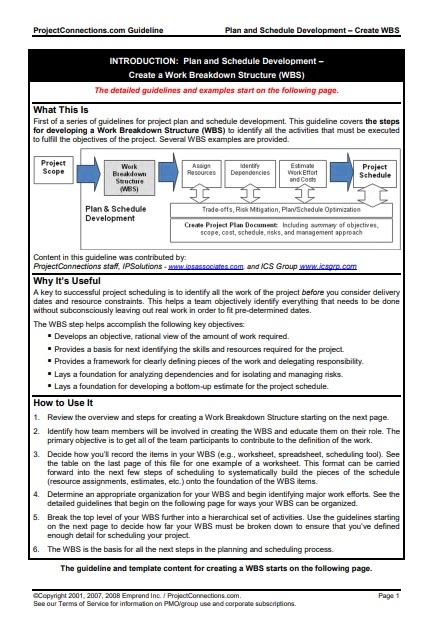 442×639 work breakdown structure template word templates from www.wordstemplates.org
 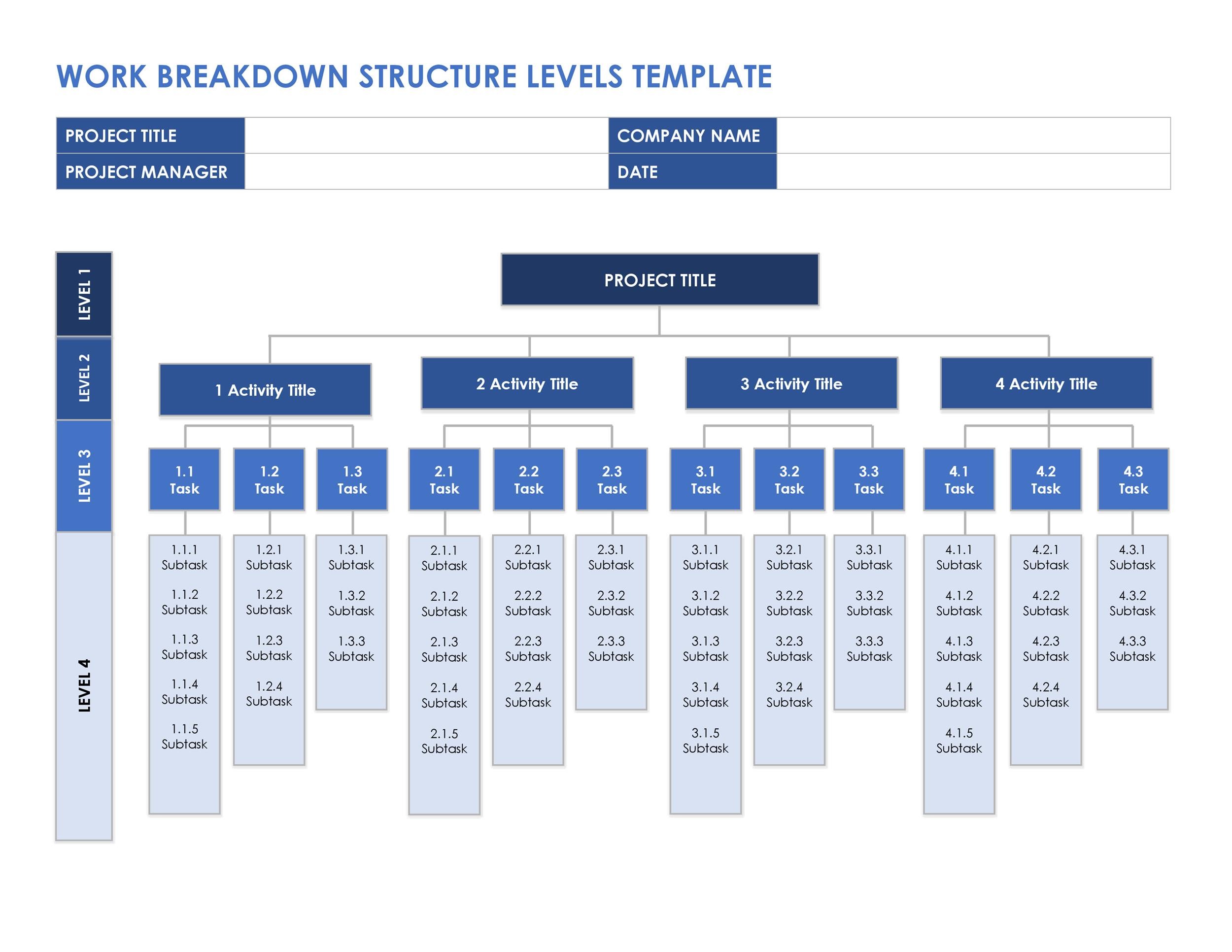 2500×1932 work breakdown structure templates xls formats from www.excelstemplates.com
  580×600 work breakdown structure samples ms word from www.sampletemplates.com
  1057×817 work breakdown structure template templates from www.allbusinesstemplates.com


Tidak ada komentar:
Posting Komentar