Gantt Chart Templates: A Powerful Tool for Project Management
Gantt charts are a cornerstone of effective project management, providing a visual representation of a project’s timeline, tasks, and dependencies. While creating a Gantt chart from scratch can be time-consuming, using a pre-designed template can significantly streamline the process. This article explores the benefits of using Gantt chart templates, the different types available, and how to effectively utilize them.
What is a Gantt Chart Template?
A Gantt chart template is a pre-formatted framework for creating a Gantt chart. It typically includes pre-defined elements such as: * **Task Lists:** A basic structure for listing project tasks. * **Timeline:** A pre-configured timeline with dates and intervals. * **Dependency Lines:** Often included to show the relationships between tasks. * **Progress Tracking:** Mechanisms for marking task completion or progress. * **Resource Allocation:** Spaces to assign resources to specific tasks. The key benefit of a template is that it eliminates the need to build the chart from the ground up, saving time and effort.
Benefits of Using Gantt Chart Templates
Leveraging Gantt chart templates offers numerous advantages for project managers and teams:
* **Time Savings:** Templates dramatically reduce the time required to create a Gantt chart. The basic framework is already in place, allowing you to focus on adding project-specific information. * **Standardization:** Templates ensure consistency across projects. Using a standardized template ensures that all projects are planned and tracked in a uniform manner, making it easier to compare progress and identify potential issues. * **Improved Collaboration:** A well-designed template facilitates collaboration by providing a clear and understandable visual representation of the project. Team members can easily see their responsibilities, deadlines, and how their tasks contribute to the overall project goals. * **Enhanced Communication:** Gantt charts are excellent communication tools. Templates provide a professional-looking visual aid that can be easily shared with stakeholders, clients, and team members. * **Risk Mitigation:** By visualizing the project timeline and dependencies, Gantt charts help identify potential bottlenecks and risks early on. Templates can incorporate features for highlighting critical path tasks and potential delays. * **Ease of Use:** Most templates are user-friendly and require minimal technical expertise. They are often compatible with common software applications like Microsoft Excel, Google Sheets, and dedicated project management tools.
Types of Gantt Chart Templates
Gantt chart templates come in various formats and designs to suit different project needs. Some common types include:
* **Simple Gantt Chart Templates:** Ideal for smaller projects with fewer tasks and dependencies. These templates typically provide a basic timeline and task list. * **Advanced Gantt Chart Templates:** Suitable for complex projects with multiple tasks, dependencies, and resources. They may include features like resource allocation, critical path analysis, and budget tracking. * **Excel Gantt Chart Templates:** Widely accessible and easy to use. These templates leverage the familiar interface of Microsoft Excel for creating and managing Gantt charts. * **Google Sheets Gantt Chart Templates:** Offer a collaborative and cloud-based solution. These templates allow multiple users to access and update the Gantt chart simultaneously. * **Project Management Software Templates:** Found within project management software such as Asana, Monday.com, and Jira. These templates are often integrated with other project management features like task management, communication, and reporting. * **Industry-Specific Templates:** Tailored to specific industries such as construction, marketing, or software development. These templates may include pre-defined tasks and milestones that are relevant to the industry.
Choosing the Right Template
Selecting the appropriate Gantt chart template is crucial for maximizing its effectiveness. Consider the following factors:
* **Project Complexity:** For simple projects, a basic template will suffice. For complex projects, choose a template with advanced features. * **Team Size:** If the project involves a large team, select a template that supports collaboration and resource allocation. * **Software Compatibility:** Ensure that the template is compatible with the software you are using (e.g., Excel, Google Sheets, Project Management Software). * **Desired Features:** Consider the features that are important to you, such as dependency tracking, progress reporting, or budget management. * **Ease of Use:** Choose a template that is easy to understand and use, even for team members who are not experienced with Gantt charts. * **Customization:** Ideally, the template should allow for customization to fit the specific needs of your project.
Tips for Effectively Using Gantt Chart Templates
To get the most out of your Gantt chart template, follow these tips:
* **Accurate Data:** Ensure that the data you enter into the template is accurate and up-to-date. * **Realistic Timelines:** Set realistic timelines for each task, taking into account potential delays and unforeseen circumstances. * **Clear Dependencies:** Clearly define the dependencies between tasks to avoid confusion and ensure that tasks are completed in the correct order. * **Regular Updates:** Update the Gantt chart regularly to reflect progress and any changes to the project plan. * **Communication:** Communicate the Gantt chart to all stakeholders and team members, and encourage them to provide feedback. * **Critical Path Analysis:** Use the Gantt chart to identify the critical path, which is the sequence of tasks that determines the overall project duration. * **Resource Allocation:** Use the template to allocate resources effectively, ensuring that team members have the necessary tools and support to complete their tasks. * **Customization:** Don’t be afraid to customize the template to fit the specific needs of your project. Add or remove columns, change formatting, and add custom formulas as needed.
Conclusion
Gantt chart templates are a valuable tool for project managers and teams. By providing a pre-formatted framework, they save time, improve collaboration, and enhance communication. Choosing the right template and using it effectively can significantly improve your project planning and execution, leading to successful project outcomes.
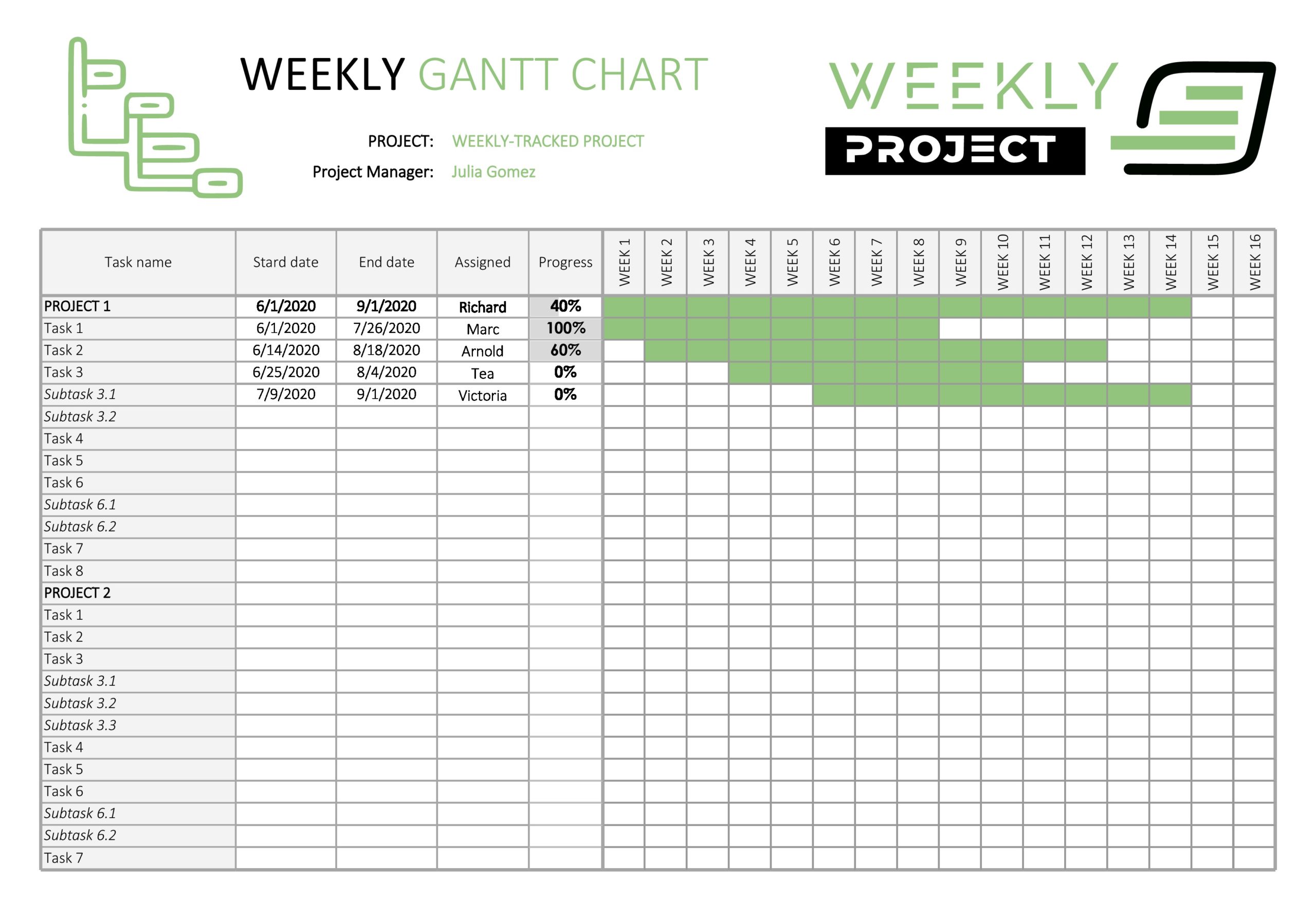 2560×1757 gantt chart templates excel templatearchive from templatearchive.com
  1248×680 printable gantt chart template excel template gantt chart from www.heritagechristiancollege.com
 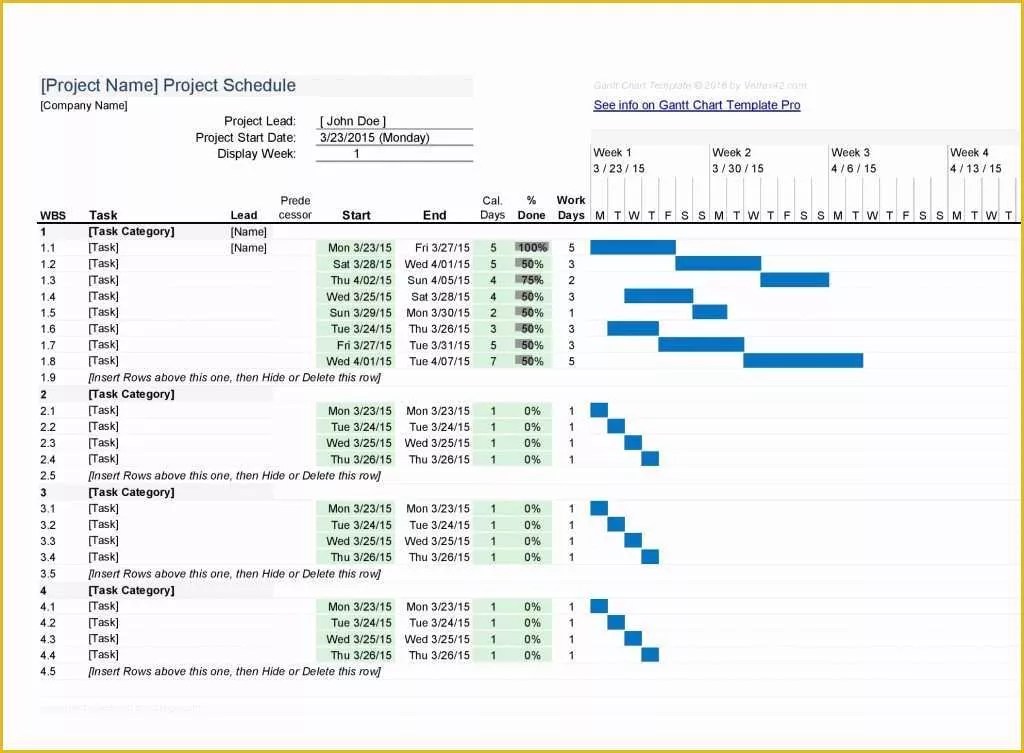 1024×753 gantt chart template gantt chart template fully from www.heritagechristiancollege.com
  2500×1875 gantt chart templates excel powerpoint word templatelab from templatelab.com
  1328×632 gantt chart template word simple excel gantt chart template from www.heritagechristiancollege.com
  636×900 gantt chart template word formats from www.dexform.com
  2500×1875 gantt chart templates excel powerpoint word template lab from templatelab.com
  1334×684 simple gantt chart template excel excel tmp from exceltmp.com


Tidak ada komentar:
Posting Komentar